Your chatbot forgets the book.
Every session starts at zero. You paste the outline again, explain who Elias is again, re-upload the same three PDFs, then copy the answer back by hand.
Open your book and keep going. Chaptora already knows your chapters, your research, and how you write, so you never have to explain your own story again.
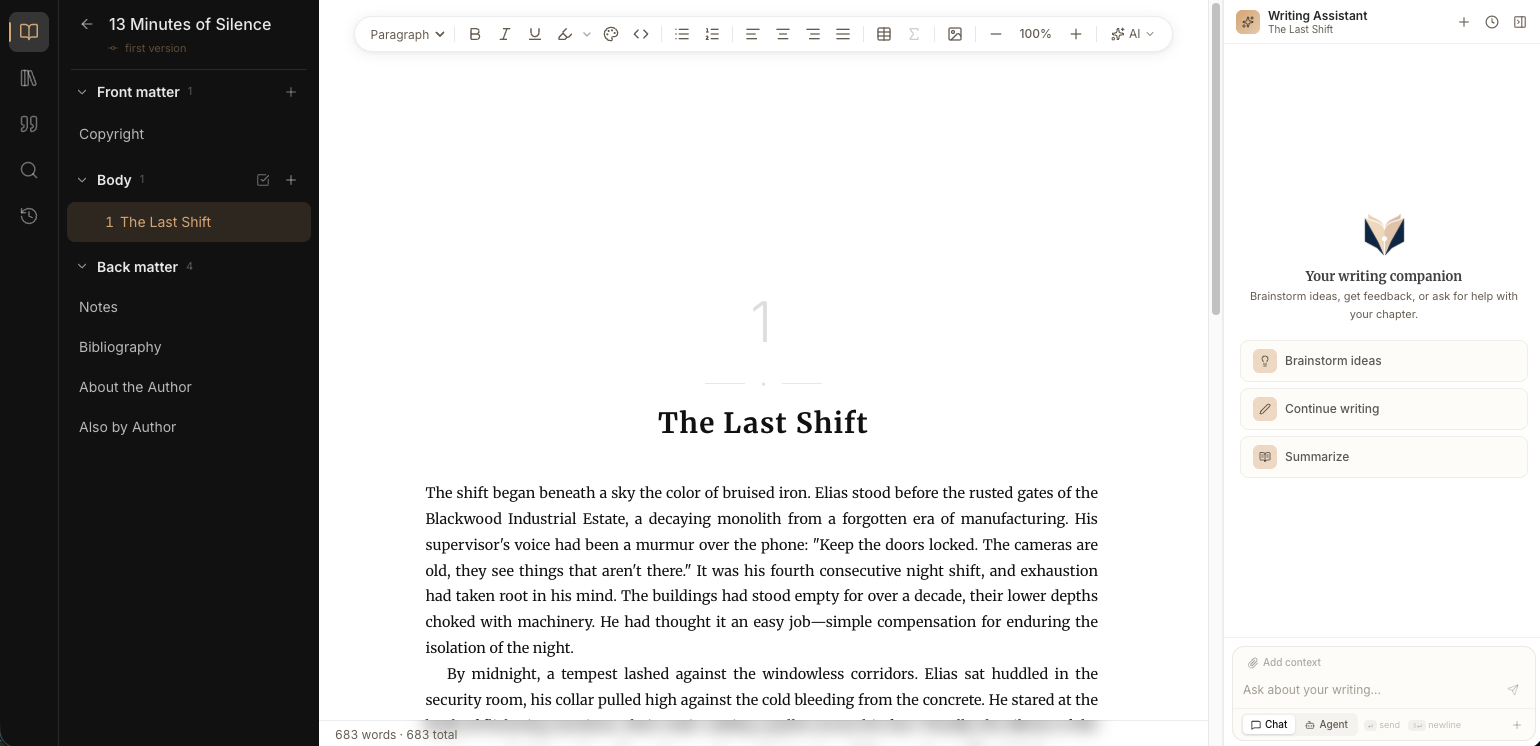
Every session starts at zero. You paste the outline again, explain who Elias is again, re-upload the same three PDFs, then copy the answer back by hand.
At three hundred pages the document fights back. Scrolling stutters, chapter breaks drift, and the last week before publishing goes into formatting instead of writing.
Manuscript in one app, research in another, the AI in a third. The one thing that could actually help you has never seen the thing it is helping with.
Your chapters, your research, your characters, and a page of your own prose all live with the book. Ask for the next scene and it already knows what happened in chapter nine, which sources you trust, and how you sound on a good day.
See what it doesGive it a goal and go make coffee. It reads what it needs, drafts or rewrites across chapters, and comes back with the work done and every change laid out for you to read.

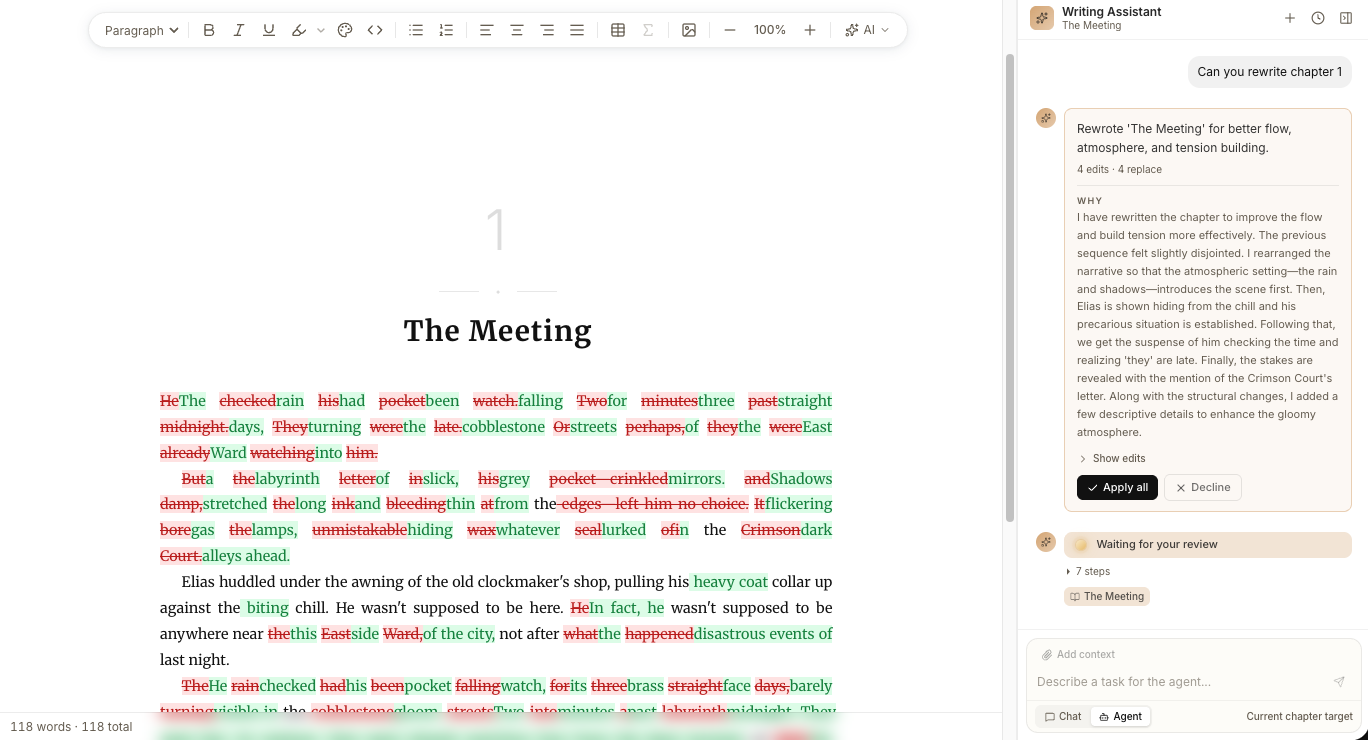
Your chapters, your notes, your last unfinished sentence, exactly where you left them.
Interviews, PDFs, research, a page of your own prose. It reads all of it once and keeps it.
Write yourself and pull up an inline edit where you get stuck, or hand over a goal and let it work across chapters.
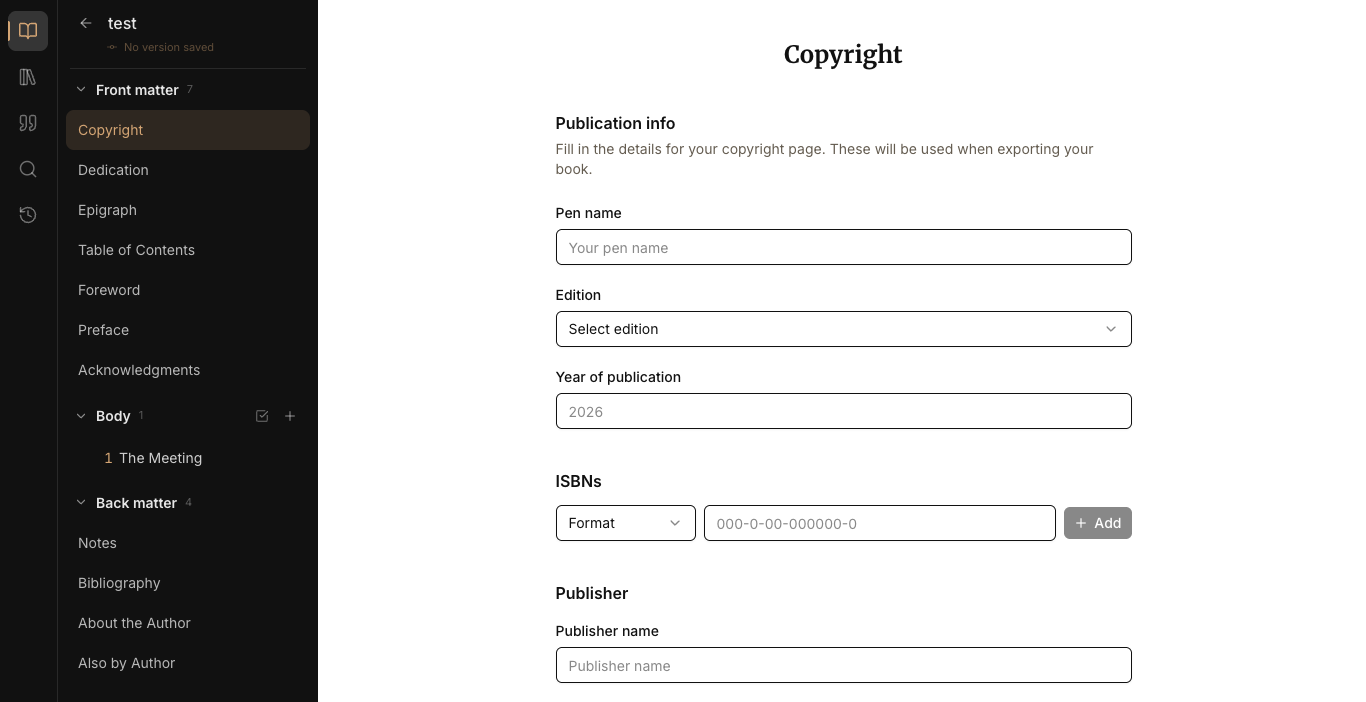
Front matter, bibliography, page numbers, a clean PDF or EPUB. Ready for the shelf.
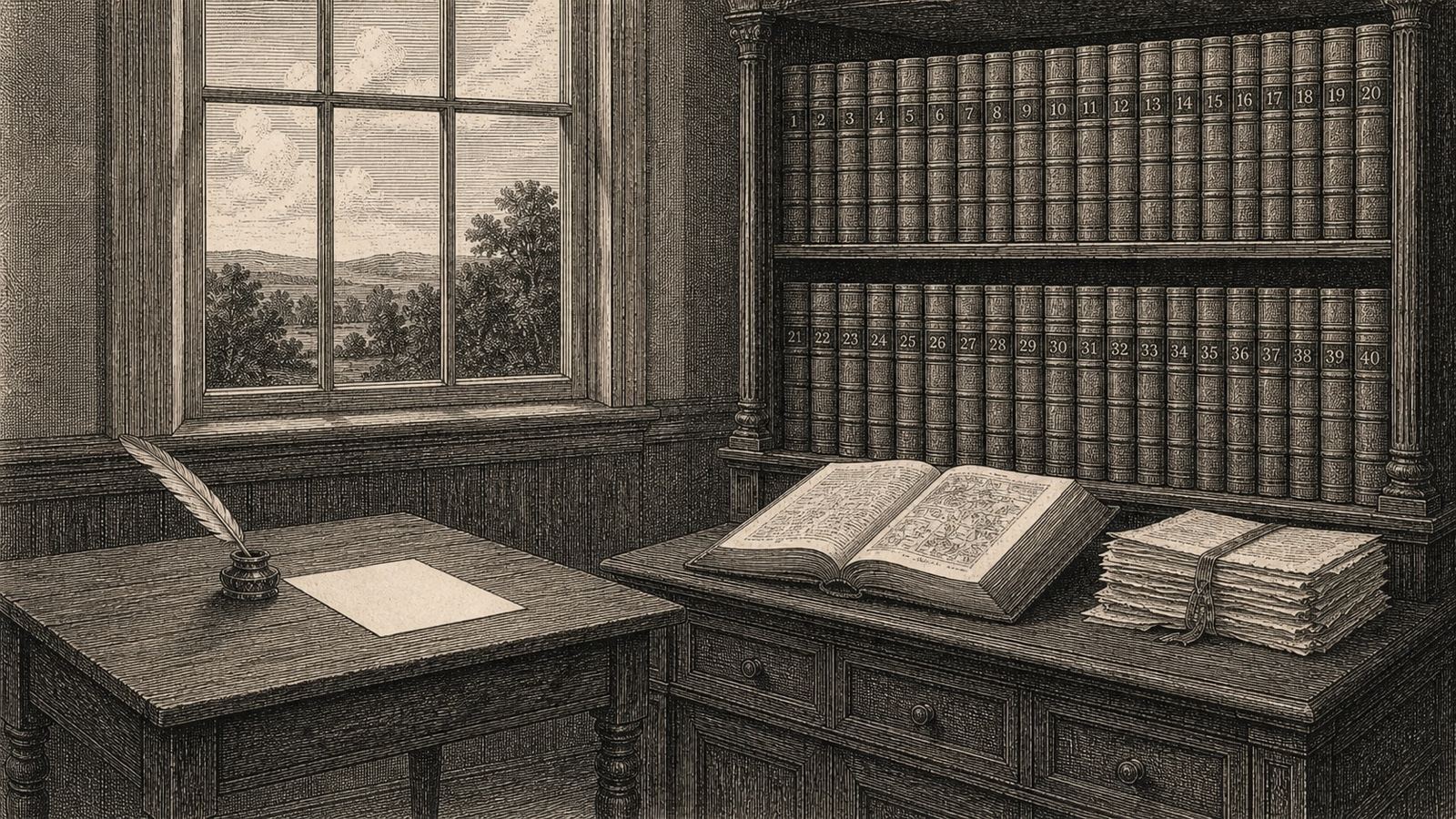
“I've tried Scrivener, Google Docs, even plain Markdown files. Chaptora is the first thing that gives me real structure without making me feel like I'm using project management software.”
“What sold me was the editor. It's clean, distraction-free, and doesn't fight me on formatting. I finished my first draft weeks earlier than planned because I stopped wrestling with the tool.”
One book, every AI feature, no credit card. Upgrade when the writing outgrows it.
One book, three research files, and every AI feature with monthly limits.
Start writing freeUnlimited books, fifty files each, ten times the AI usage, EPUB and clean PDF, full agent access.
Choose QuartoUnlimited research files, five times the AI usage again, priority queue, and early access to new models.
Choose FolioYou own it, fully. Your manuscripts and uploaded research are never used to train any AI model, never shared, and never claimed as Chaptora’s. They stay in your private project library, and deleting a project deletes them. Model providers process your text to generate a response and retain nothing for training.
A chat window cannot see your book. You paste in fragments, it answers without knowing chapter four, and you copy the result back by hand. Chaptora runs inside the editor: it already has your chapters and your uploaded sources, and it returns edits as a red and green diff you approve or reject in place.
More than the paragraph, and deliberately not everything. Chaptora sends the current chapter, auto-generated synopses of the chapters before it, your project’s writing style and voice sample, and the passages from your uploaded sources that match what you are doing. Full manuscripts exceed what models handle reliably, so relevance is selected rather than dumped.
No, and it is not built to. There is no button that generates a novel. Chaptora drafts a passage, tightens a paragraph or checks a claim against your sources, and every change arrives as a diff you accept or reject. Nothing enters your manuscript that you did not approve. The book stays yours to write.
Yes. The interface is English, but your book can be written in any language. Chaptora detects the language of your chapters and keeps new prose in it, even when you write the instruction in another language. English, German, French, Spanish, Italian, Dutch and Portuguese are detected explicitly; others are followed from your text.
PDFs, Word documents, Markdown, plain text, any URL, or a YouTube link. Chaptora extracts the text, indexes it, and the AI works from it instead of guessing.
Yes. Print-ready PDF in any KDP trim size (5×8 through 7×10), with mirrored gutter margins, drop caps, running headers, ornaments and a Chicago-formatted bibliography. EPUB 3 as well: reflowable and e-reader ready.
No. It only cites from the documents you uploaded. If a fact is not backed by something you provided, it says so rather than making one up.
Both. Non-fiction authors use the citation engine and the research library. Novelists use the per-book writing style and voice sample, scene-break formatting, and the novel layout for print.
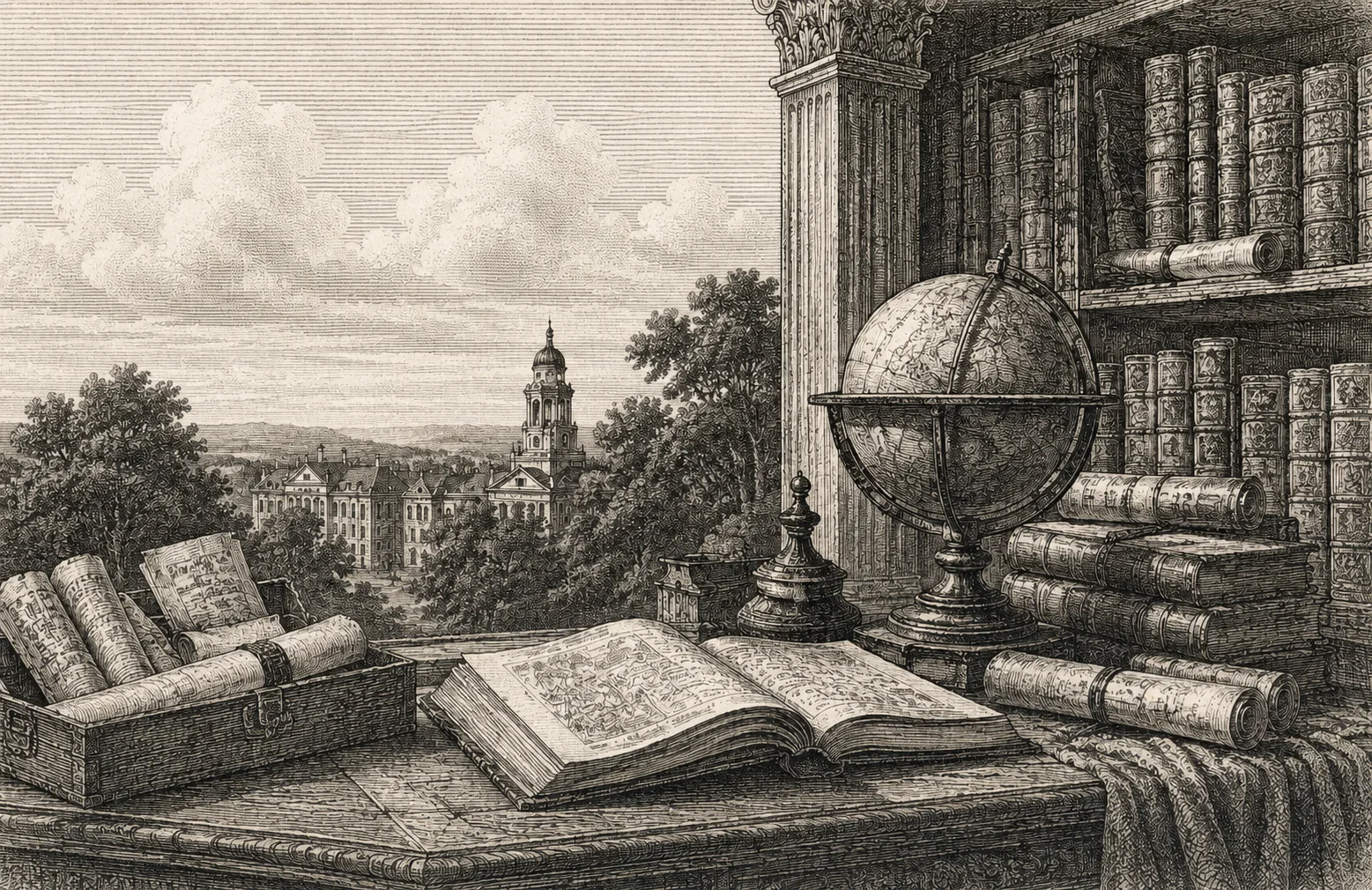
Bring your research, your notes, and the way you write. One book free, no credit card.
Start writing free