AI for academic writing with citations: chapters, notes and sources
A source citation in an AI answer is not yet a note in your finished thesis or book. Compare how each workflow carries evidence into the manuscript.
Published 26 September 2026
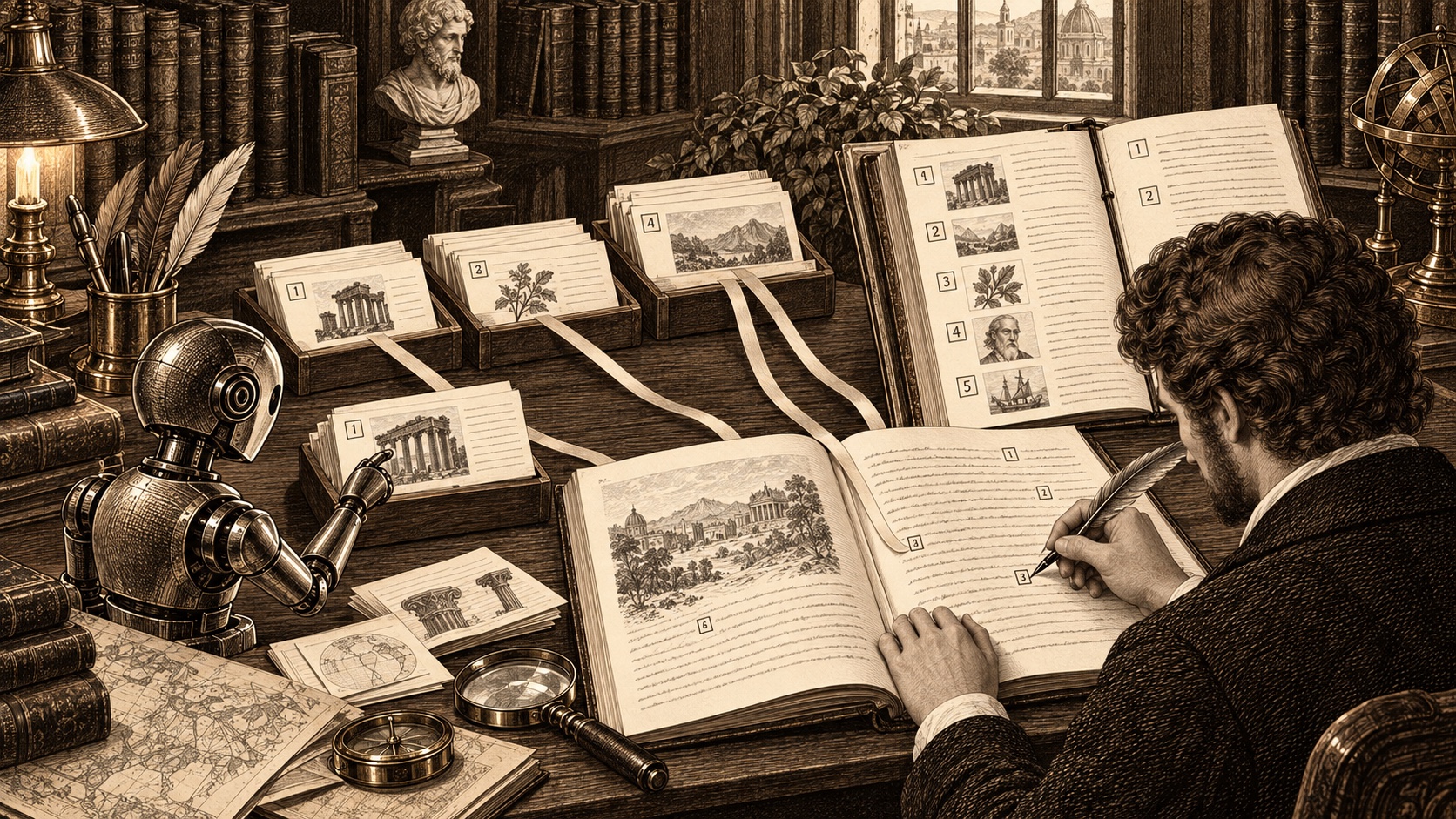
An AI answer can link to a source and still leave you with a citation problem. A thesis or research-based book needs the exact work, page and bibliographic record to survive into the submitted manuscript. We build Chaptora; competitor details below come from provider documentation checked on 26 September 2026.
What does "AI writing with citations" need to mean?#
Look for two links. First, the AI must ground a claim in source material you can inspect. Second, a citation record must travel with the claim into the final file. A plausible reference generated in chat is not enough. You should open the cited passage, verify it and correct its metadata before submission.
| Workflow | Strongest use | Citation path | Key limit for a long manuscript |
|---|---|---|---|
| Chaptora | Chapter writing beside uploaded research, with reviewable AI edits | Citation records become Chicago chapter endnotes and an optional bibliography | No APA, Harvard or BibTeX import; no page-bottom footnotes |
| Paperguide | AI-assisted papers and literature reviews | AI Writer cites selected research papers in a chosen style | Book-specific print layout is not described in the cited AI Writer guide |
| Zotero + Word | Researcher-controlled reference library and institution-specific styles | Word plugin inserts citations and updates a bibliography | AI writing is a separate workflow |
| Scrivener + citation manager | Organizing a large draft and research notes | Scrivener can work with an external bibliography manager | The citation manager and manuscript need to be coordinated |
How does Chaptora turn research into notes?#
Chaptora separates Sources from citation records. Sources are PDFs, Word files, web pages and other material the AI can read for context. Citation records store the book, article, website or other entry that should appear in a note or bibliography. The Source viewer can prefill a draft citation record, but you complete and verify it.
Write in chapters beside that Library. The AI Sidebar shows Used Sources chips for material consulted, and the AI Agent can draft from research while proposing changes in a Run you review. It can add citation records and place Citations in drafted text, but you must verify every cited claim. On export, Chaptora numbers notes within each chapter, places endnotes after the chapter prose and builds a Bibliography from cited records when you enable it. Read writing from your own research and the citation documentation.
The limitations are substantive. The current formatter follows Chicago Notes and Bibliography only. It does not import BibTeX or RIS, does not produce APA or Harvard, and puts notes after the chapter rather than at the foot of each page. Chaptora cannot read a scanned PDF without a text layer. Confirm your department's rules before committing to this workflow.
When is Paperguide stronger?#
Paperguide's AI Writer lets you choose indexed research papers or your own reference library, then drafts with citations in a selected style. Its documentation says it supports more than 1,000 citation styles; its writer page lists Zotero, BibTeX and RIS import. That is a better fit for a literature review, journal article or institution that requires a non-Chicago format. Its cited guide focuses on academic documents, and does not describe a KDP-style book interior.
When should you use Zotero with Word?#
Zotero's Word plugin inserts citations at the cursor and updates a bibliography as records change. For note-based styles such as Chicago, its document preferences let you choose footnotes or endnotes. Zotero offers many citation styles and keeps reference management under your control. The trade is that AI drafting and source-grounded manuscript edits happen outside that citation flow. This is often the safest choice when a university specifies exact note placement or style.
Where does Scrivener fit?#
Scrivener is strong at managing a large draft in sections and storing research near the text. Its manual describes footnotes and integration with an external bibliography or citation manager. It is a writing organizer, not an automatic source-checking AI writer on the cited pages. If you already draft in Scrivener, you can keep that structure and manage formal references with a separate tool.
What should you verify before submission?#
- Check your institution or publisher's AI-use policy and required citation style.
- Open every source behind an AI-generated claim and verify the exact passage, page and quotation.
- Check the bibliographic fields and note placement in an exported sample chapter.
- Inspect the bibliography and final PDF or EPUB, including repeated citations and missing records.
The tool can carry references through the workflow. Responsibility for the evidence and the final citation remains yours.
Frequently asked questions#
Can Chaptora write with Chicago Notes and Bibliography citations?#
Yes. Chaptora keeps bibliographic citation records separate from the research files its AI reads. You insert citations in chapters, and export produces numbered Chicago-style endnotes at the end of each chapter plus an optional bibliography of cited records. Check every record and quoted passage yourself before submitting academic or published work.
Does Chaptora support APA, Harvard or BibTeX?#
No. The current citation renderer uses Chicago Notes and Bibliography structure. Chaptora does not import BibTeX or RIS, and it does not offer APA or Harvard formatting. If your institution requires one of those styles, Zotero with Word or Paperguide offers a more appropriate citation workflow than Chaptora today.
Are Chaptora citations footnotes at the bottom of each page?#
No. Chaptora numbers references within each chapter and prints the notes after that chapter, so they are endnotes rather than page-bottom footnotes. The bibliography is a separate optional back-matter section. If your thesis rules require footnotes on the same page as each reference, confirm the output requirement before choosing Chaptora.
Explore Chaptora's citation guide or compare the plans before moving a research manuscript.
Sources#
- Paperguide AI Writer document generation, Paperguide, retrieved 26 September 2026.
- Paperguide AI Writer and reference import, Paperguide, retrieved 26 September 2026.
- Zotero Word plugin, Zotero, retrieved 26 September 2026.
- Zotero citation styles, Zotero, retrieved 26 September 2026.
- Scrivener 3 manual for Mac, Literature and Latte, retrieved 26 September 2026.