
A NotebookLM alternative that writes with you
Research answers are only the start. A long manuscript also needs a place to write, inspect changes, cite evidence and export the finished work.
Published 26 September 2026
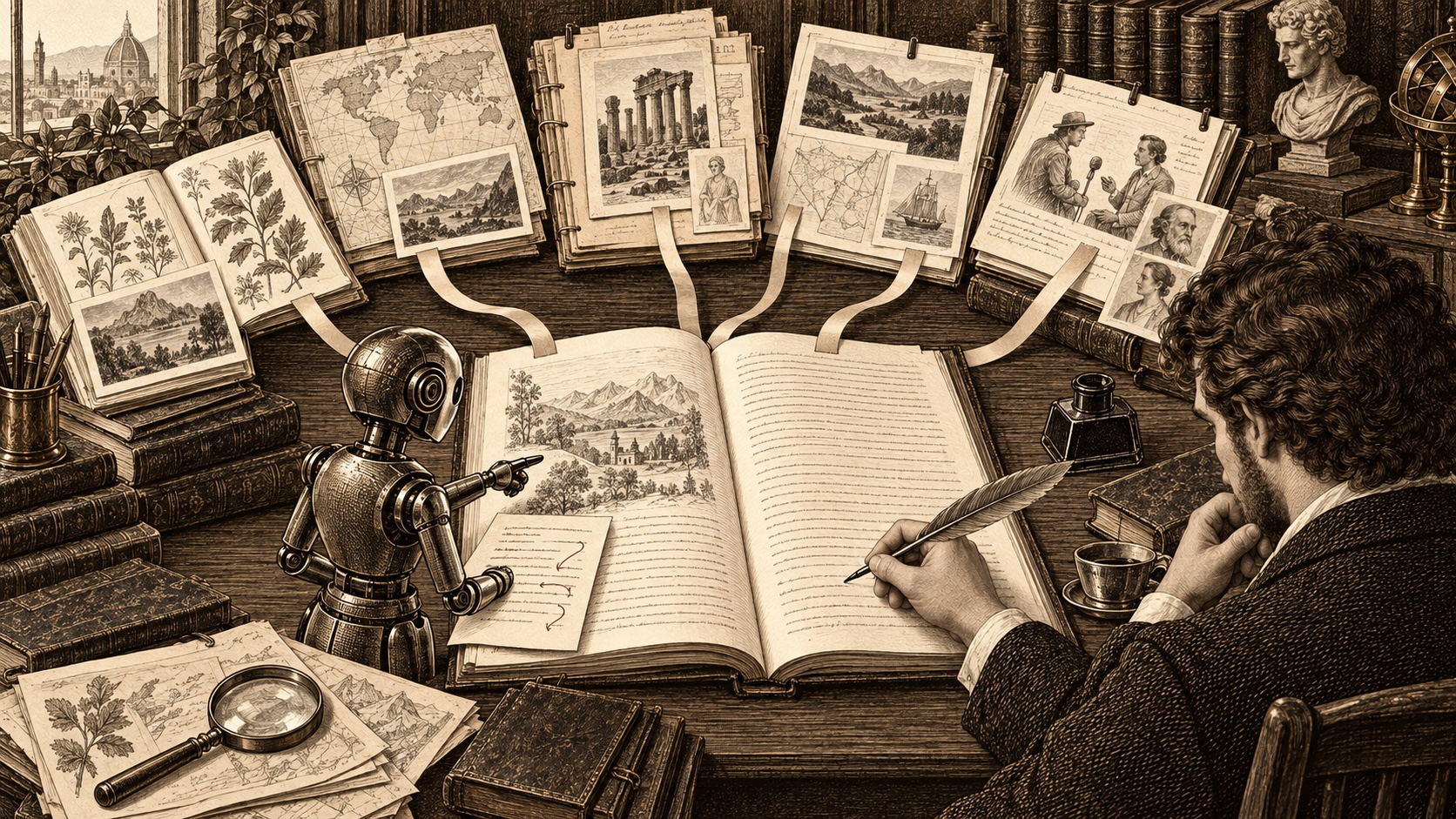
NotebookLM is useful when your question is "What do these sources say?" A book or thesis adds another question: "How do I turn verified findings into chapters without losing control of the manuscript?" Those are related jobs, but they are not the same workflow.
We build Chaptora. The competitor descriptions below come from each provider's own pages, checked on 26 September 2026. Features absent from a cited page are described as not listed, not impossible.
What should you compare beyond source chat?#
A useful alternative should let you check a claim against its source, write in a stable chapter structure, inspect AI changes before they become your prose, and carry citations into the finished file. A large upload limit alone cannot do those jobs.
| Tool | Where it helps | What to check for a book or thesis |
|---|---|---|
| NotebookLM (Gemini Notebook) | Source questions with citations, summaries and Audio Overviews | A chapter manuscript, bibliography and book export are not listed in Google's help pages reviewed on 26 September 2026 |
| Notion AI | AI drafting inside workspace pages and research reports | Book-specific citations and print-ready export are not listed on Notion's AI product page reviewed on 26 September 2026 |
| Paperguide | Research papers, reference management and citation-backed academic drafts | Its documented AI Writer centers on papers and literature reviews rather than book layout |
| Obsidian with plugins | Local notes and a flexible plugin ecosystem | AI and publishing behavior depends on the plugins you choose and maintain |
| Chaptora | Sources and chapters in one Project, with approved AI edits | Chicago Notes and Bibliography only; no BibTeX import or page-bottom footnotes |
When is NotebookLM the right choice?#
Google's source help lists PDFs, documents, web pages, YouTube videos and more. Its free tier allows up to 50 sources in a notebook. Answers point back to material, and Audio Overviews make it convenient to absorb a source collection away from your desk. That is a real advantage, especially when your next task is finding a theme or contradiction rather than producing a chapter.
NotebookLM does not edit the original Google Drive files it imports. A structured manuscript editor, endnote records, a bibliography and book export are not listed on the Google help pages checked for this guide. Keep using it for research if it works for you, then choose where the manuscript lives.
Which alternative lets the AI write beside the evidence?#
Chaptora puts PDFs, Word files, text, web pages and YouTube transcripts in a Project Library beside your chapter tree. The AI Sidebar names the Sources it used. You still open a Source and verify the passage, since the chip names a document rather than pinpointing a paragraph.
For writing, the AI Agent drafts inside a chapter and groups changes into a Run you can review or undo. Smaller edits appear as suggestions you accept or reject. That review step matters when an otherwise fluent draft changes a date, drops a qualification or rewrites your voice. You can turn an uploaded Source into a citation record, insert Citations in the manuscript, and export numbered Chicago endnotes and a Bibliography. See how this works with your own research and the citation guide.
The free Octavo plan is enough to try this with one Project and three Sources. Larger research libraries and EPUB export need a paid plan; see current plans. Scanned PDFs need a text layer, and Chaptora does not ingest audio files directly.
How do Notion, Paperguide and Obsidian compare?#
Notion AI drafts and edits inside Notion pages and can create Research Mode reports from workspace context. That makes it attractive if your notes already live there. Its AI product page does not list Chicago endnotes, a generated bibliography or print-ready book export as of 26 September 2026.
Paperguide deserves serious consideration for an academic paper. Its AI Writer selects from a research library or indexed papers, applies citations and supports many styles. It also imports references from Zotero, BibTeX and RIS. For a discipline that mandates APA, or a thesis built around literature review, those strengths may matter more than Chaptora's book workflow. Its documented writing flow does not describe KDP-style book layout.
Obsidian stores notes locally by default and supports community plugins. That gives you control and a customizable research workspace. The AI, citation and export experience depends on the plugins and setup you select, so test your exact combination before moving a manuscript.
What is a practical two-tool workflow?#
Explore a reading list in NotebookLM. Record the passages and questions worth using, then write your chapters in a manuscript tool. In Chaptora, add the underlying source files, verify claims in the Source viewer, insert citation records, review each AI change, and inspect both the PDF and EPUB before publication. The original evidence, not an AI summary, remains the basis for every cited claim.
Frequently asked questions#
What is the best NotebookLM alternative for writing a book?#
Chaptora is a fit when you want your research and manuscript in one workspace. It keeps chapters beside uploaded Sources, shows which Sources informed an AI answer, and proposes manuscript edits for your approval. NotebookLM remains a strong free tool for exploring documents and listening to Audio Overviews before you begin drafting.
Can NotebookLM write a thesis with citations?#
NotebookLM can answer questions about uploaded material and cite passages in its answers. Google does not list a structured thesis editor, a bibliography builder or print-ready manuscript export in the help pages reviewed on 26 September 2026. You can research there, then move verified findings into a writing and citation workflow.
How many sources can I add to NotebookLM for free?#
Google lists up to 50 sources per notebook for free users as of 26 September 2026. This is a generous research allowance, but source capacity does not create a book workflow by itself. If your project needs chapters, approved edits, Chicago notes and publication files, compare the writing and export features separately.
If you want the research and the manuscript together, try Chaptora or compare its plans.
Sources#
- Add or discover sources in Gemini Notebook, Google, retrieved 26 September 2026.
- Gemini Notebook features and limits, Google, retrieved 26 September 2026.
- Notion AI, Notion, retrieved 26 September 2026.
- Paperguide AI Writer, Paperguide, retrieved 26 September 2026.
- Paperguide reference manager, Paperguide, retrieved 26 September 2026.
- Obsidian plugins, Obsidian, retrieved 26 September 2026.
- Obsidian local files, Obsidian, retrieved 26 September 2026.